
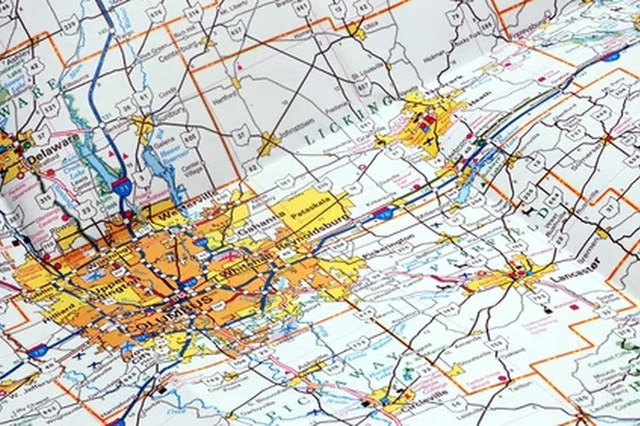
You can find a topographical map of your property by searching online. Also called elevation maps, these color-coded maps show elevation and contours of your property. You will need a computer and the exact address of your property. By following these steps you can find and print a map.
Go to the U.S. Geological Survey website. There will be a number of yellow tabs at the top of the page. Click on "Maps, Imagery and Publications". This will take you to a page with four boxes. The box on the top left will state, "Maps". There are several choices here. Click on "download digital scans of topo maps".
The page will say "Welcome to the USGS Store" at the top. Go to "map locator" at the top right. Click on map locator.
Read More: How to Find a Property Map
Where it states "Step 1 Search" enter the street address, city name, and state. For example, 100 Woodward Ave., Detroit, Mich. Enter this information and it reveals a topographical map.
The page will reveal a red marker at the location you entered. Select the red marker to reveal a list of available maps. Order or download the map. After downloading the map you can change the size in the file. Save it and print it out.