


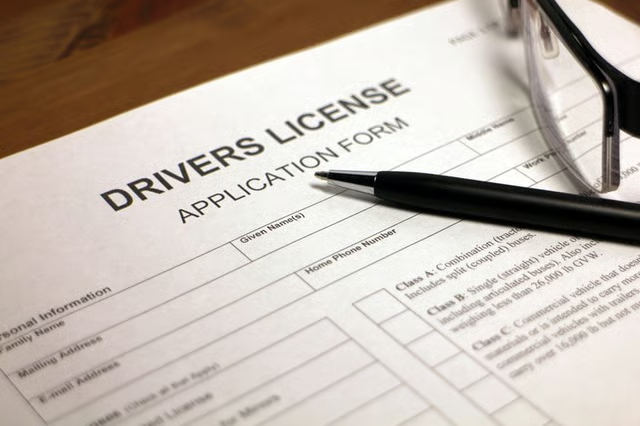
Your ID card – specifically your driver's license or a state identification card – is required for numerous tasks, such as banking, using a credit card or even handling certain details at your child's school. Most secondary forms of identification like Social Security cards or birth certificates require an additional picture ID, which can make losing all your identification very difficult. Take what information you do have and reapply for each piece of identification you've lost.
Start With the Easiest First
Contact your employer, school and/or any organizations with whom you have identification on file. Inform them that you've lost your ID and request a replacement. Report any government-issued IDs such as passports, military ID cards or base pass cards via phone to the issuing agency as soon as you realize you've lost the cards.
Next – Your Driver's License or State ID
Visit your local Depart of Motor Vehicles office to report that your driver's license or state identification card has been lost or stolen. Apply for a replacement card. Take any documentation you might still have, such as a birth or marriage certificate, Social Security card, copies of your passport, or even old, expired IDs that can prove who you are. Have your Social Security number available, even if you don't have the actual card.
Complete any forms required and sign them in the presence of a DMV employee. If you're still a minor, your parent or guardian must accompany you.
Have your picture taken and let the DMV take your thumb print. The DMV will validate your identity through the information you provided on the form, your photograph, your thumbprint and any other documentation you can provide. Pay the applicable fee for a replacement ID or driver's license. Confirm your address with the DMV to avoid extra delays. The DMV will provide you with a temporary license or ID. Your old ID will no longer be valid, even if you do find it.
Replace Everything Else
Take your new ID to replace other documents you may have lost, including your Social security card, passport and any other identification. You might want to do this anyway, even if you haven't lost these items, because your old state ID or driver's license is no longer valid.
Read More: How to Replace a Birth Certificate & Social Security Card
Going Forward
Make copies of your new ID and store everything in a safe place in case it gets lost or stolen again. You might want to leave copies with a trusted family member or friend if you're traveling abroad. Report the lost documents to the U.S. Embassy if you lose your ID in another country. You can also memorize your ID number and Social Security number to make it easier to replace lost ID if the situation ever happens again.